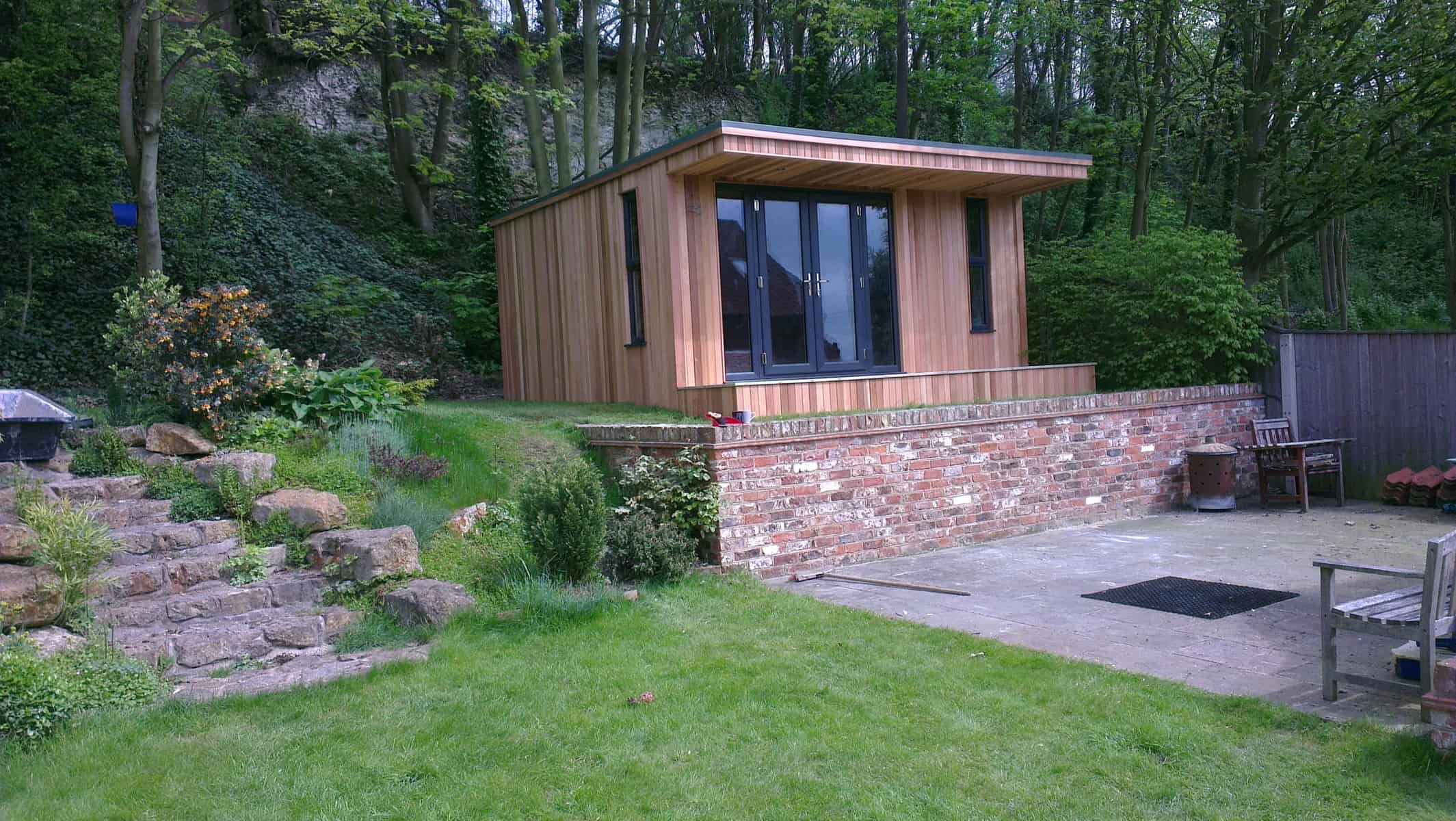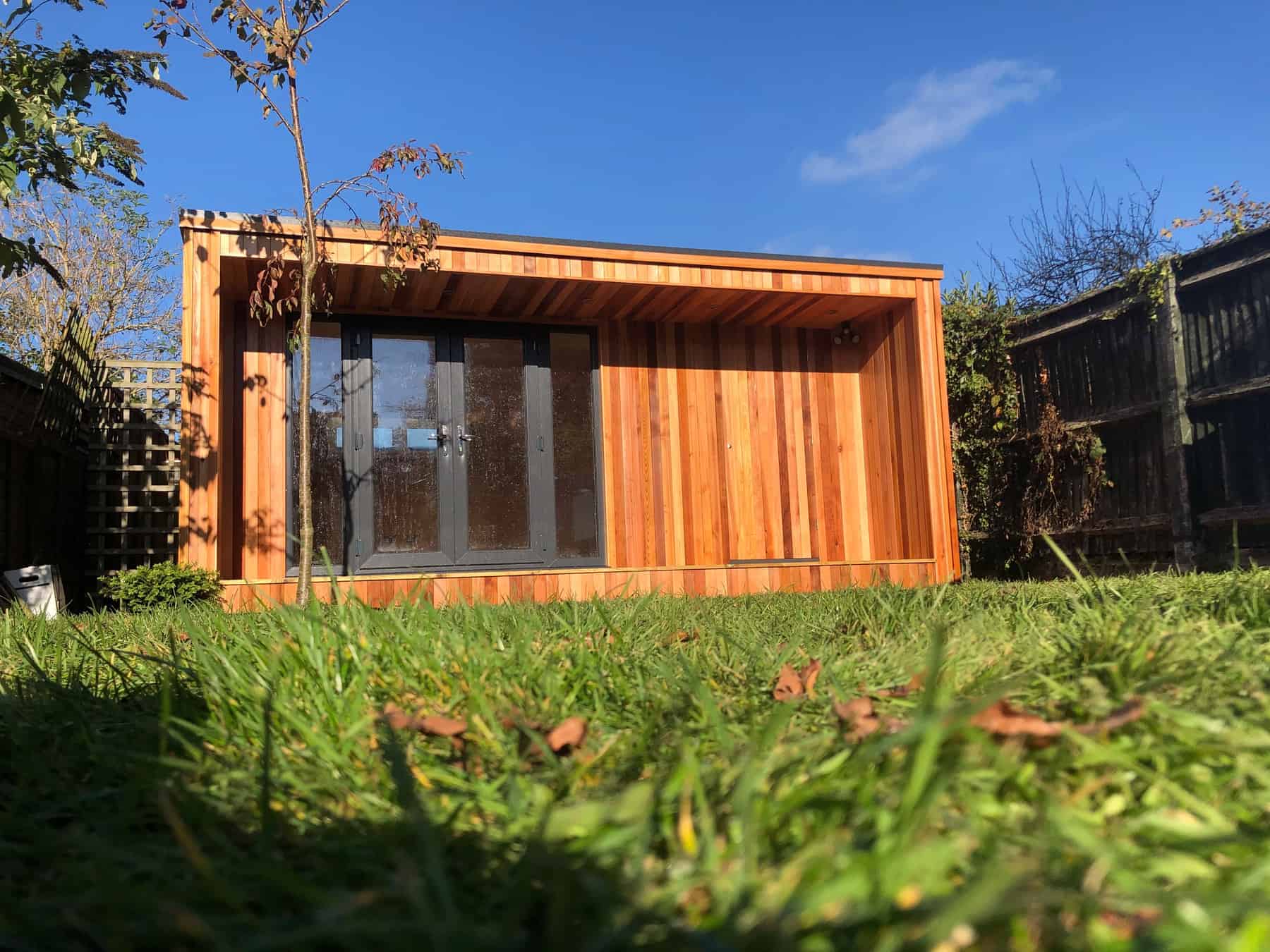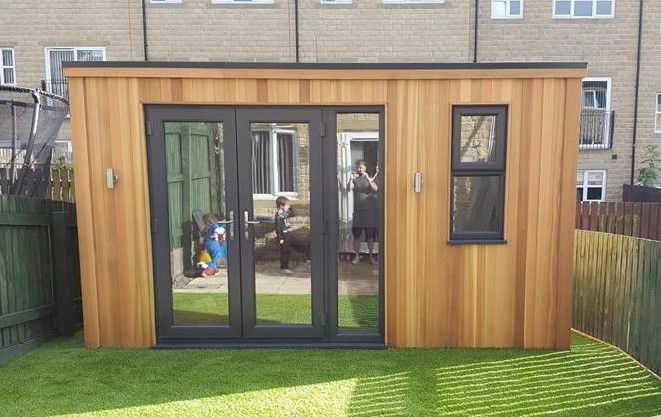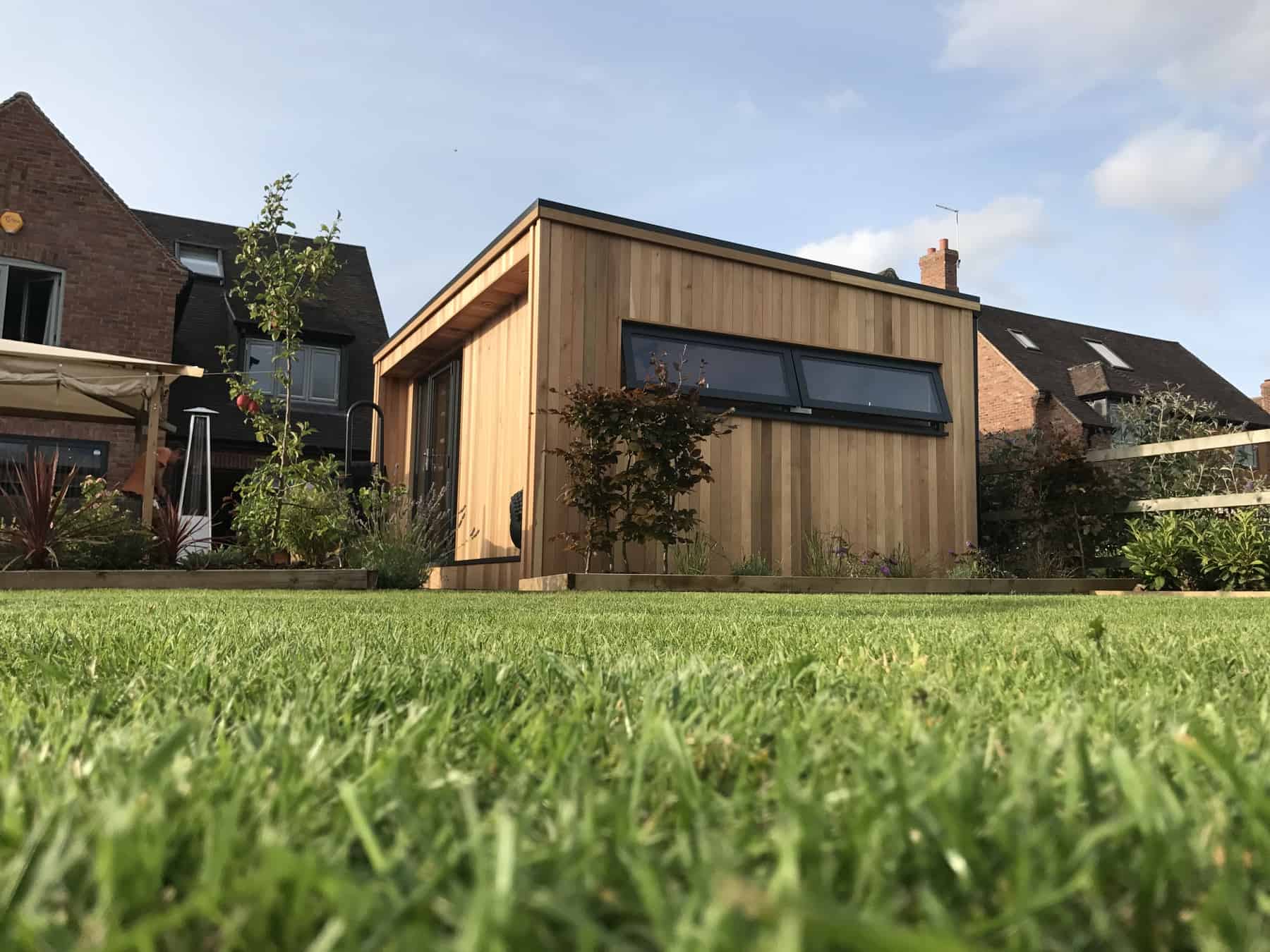
How to use the new ShedView online building tool to design the perfect garden room.
There are two main questions that people tend to have when enquiring about our range of modern garden buildings.
Firstly, how much can they alter the design of the garden room to suit their needs, and secondly, how much will their new garden building cost?
The new ShedView online garden room building tool means that you can quickly and easily design a garden room, summer house or home office to your own specification, and get an estimated quote at the touch of a button.
How Does The ShedView Online Garden Room Building Tool Work?
Access the ShedView page here to open up the garden room building tool; you don’t have to download anything
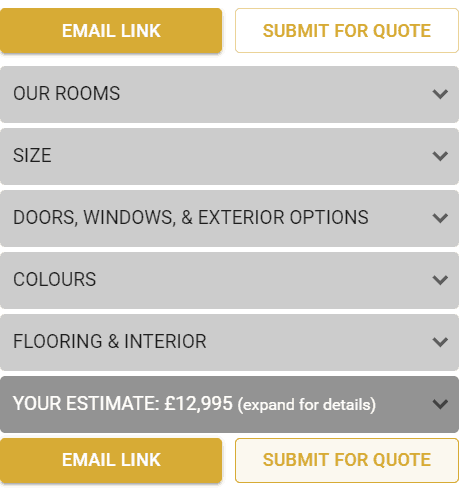
Using the menus on the right hand side, firstly select the style from the ‘Our Rooms’ menu. This includes our Canopy, Cube or Concave rooms and you can select either rendered or classic cedar-clad.

Next, choose the size of garden room that would best suit the space you have in your garden. Ensure that you check the size of the space, and take into account how far from the boundary you are required to build.
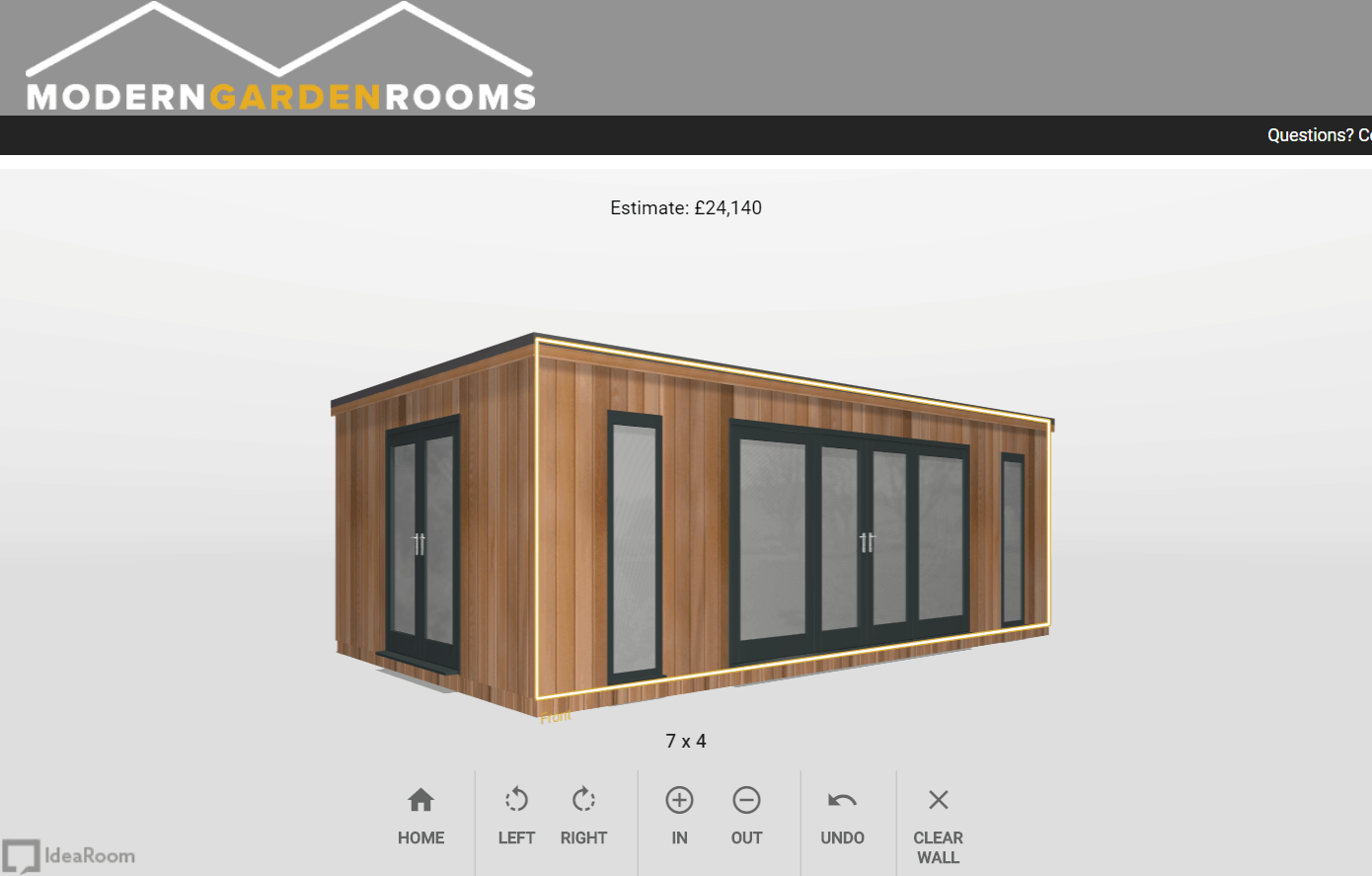
Your garden room will appear in front of you on the screen; you can drag it to see it from any angle, zoom in and out or use the buttons at the bottom to rotate it.
You can change the size and appearance at any time by changing your selection on the menus.
Designing Your Modern Garden Rooms Building
The next step is to then choose the doors, windows and exterior fittings, and the colours of windows and doors (and the building itself if rendered).
Interior fittings can also be added to the quote, for example underfloor heating and internal walls.
Use the mouse to drag and drop and rotate the garden room. You can move windows and doors onto and around the building to wherever you want them.
You can change the type of window or door by clicking on it, and choosing from a selection.
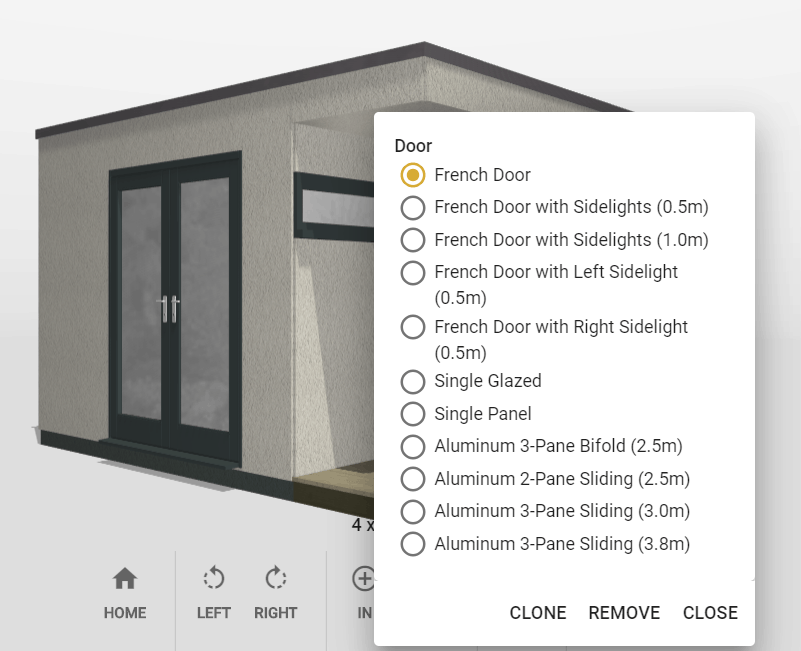
The indicative pricing will update at the top as you make changes to your garden building design.
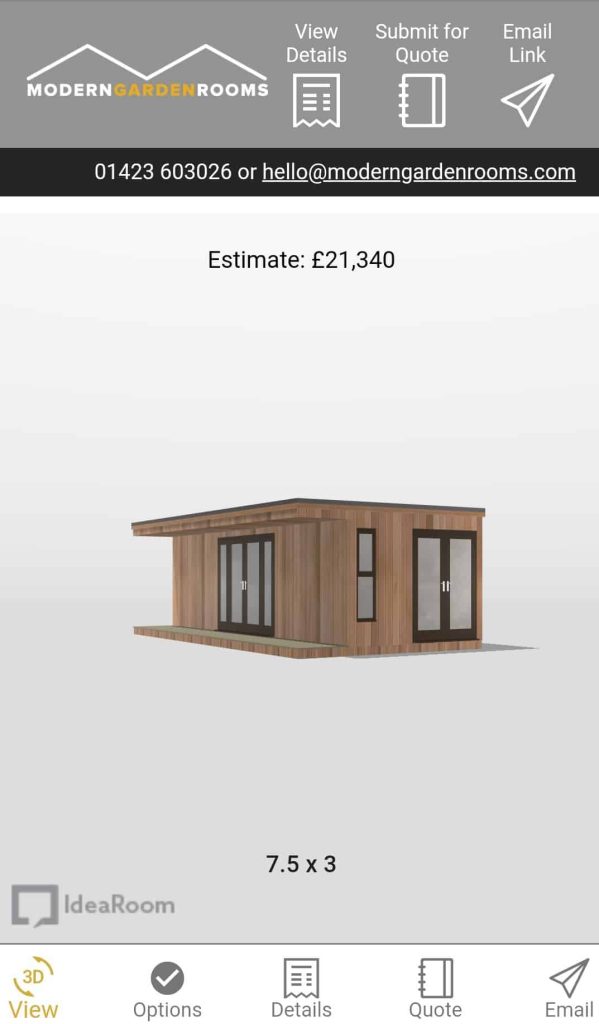
Using the ShedView Online Garden Room Designer On Mobile
We would recommend using the ShedView builder on a desktop computer for ease of use, but it can be used on mobile too.
Toggle between ‘3D View’ and ‘Options’ to change the look and size of your garden building, and see what it looks like.
Getting a Quote For Your New Garden Room
The ShedView online garden room designing software is designed to be as intuitive and as easy to use as possible, so that you can create your modern garden building with ease!
Once you are satisfied with the garden room you have designed, then you can email yourself a link, allowing you to return to and alter your design at any time.
Alternatively you can submit your drawing to our team who will contact you within three days with a personalised quote and to discuss the next steps with you.

Categories
- Garden Rooms
Popular Blogs